Import guide
Get your full Spotify history
Spotify only lets us see your last 50 plays. To get stats from the day you made your account, ask Spotify for a copy of your listening history and upload it here.
- 2 minutesto ask Spotify
- A few daysfor Spotify to prepare it, 30 at most
- 1 minuteto upload it here
- 1
Open your Spotify privacy settings
Go to spotify.com/account/privacy and log in. Use a web browser: the Spotify app doesn't have this option, but the website works on your phone too.
spotify.com/account/privacy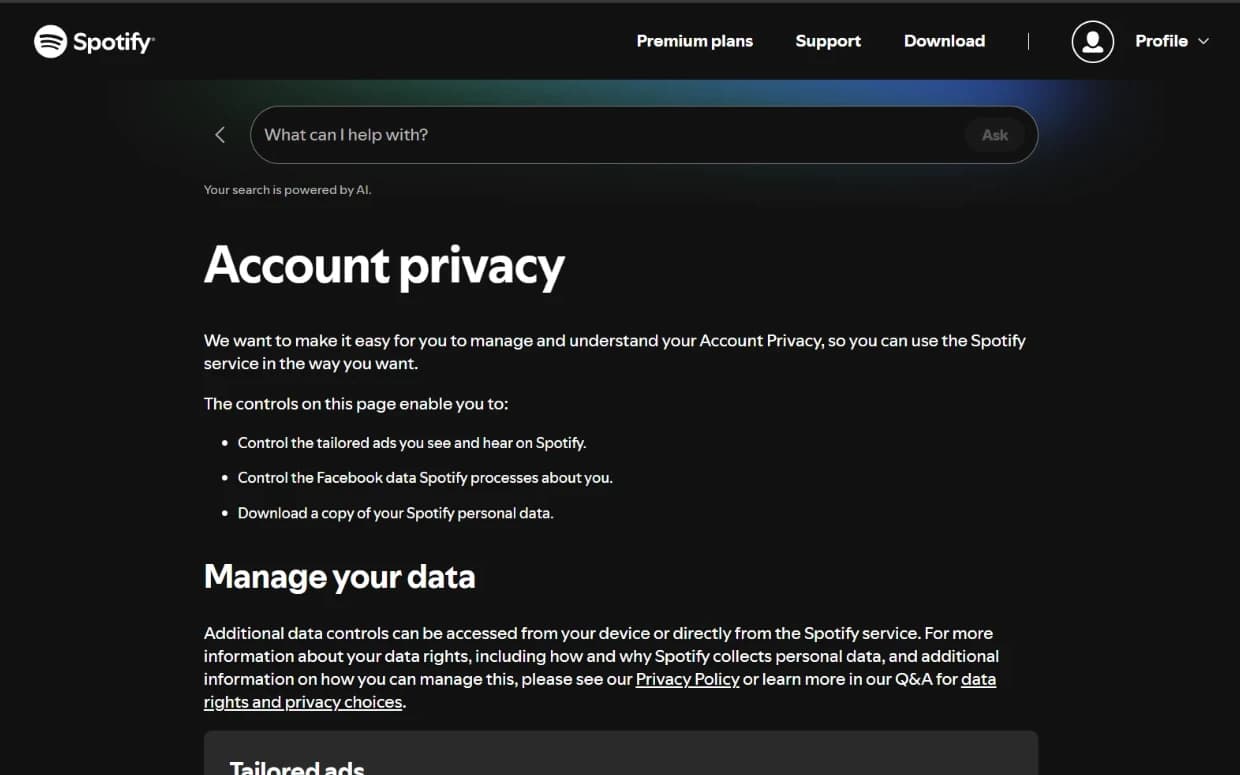
- 2
Scroll down to “Download your data”
It's near the bottom of the page, under your privacy choices.
spotify.com/account/privacy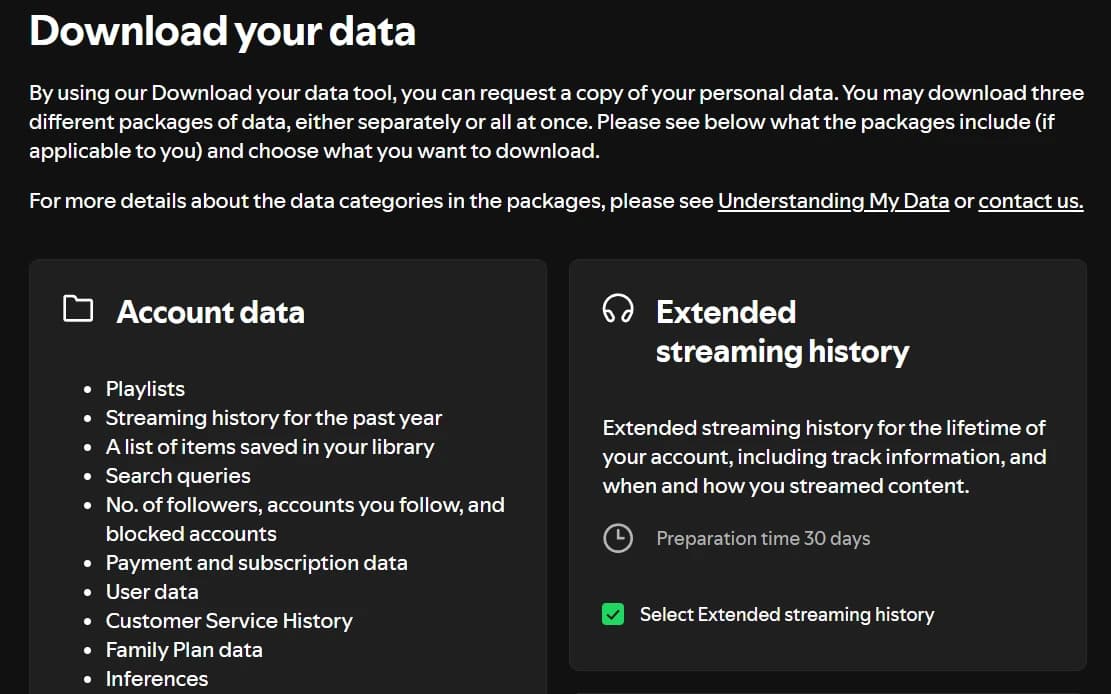
- 3
Tick “Extended streaming history”
That's the one with your whole listening history. The other two options aren't needed; you can leave them unticked.
spotify.com/account/privacy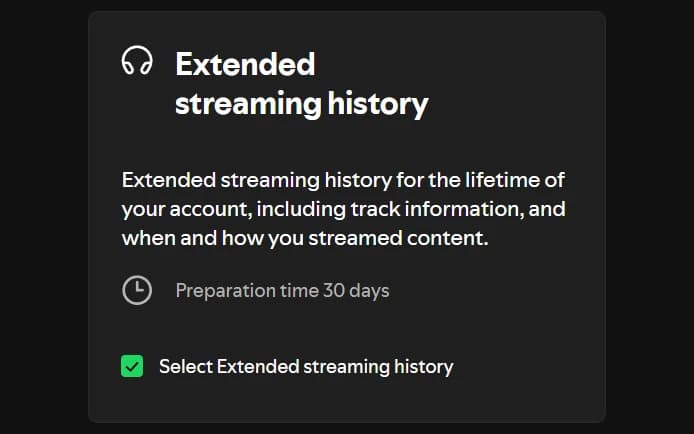
- 4
Click “Request data”
Spotify confirms on the page that your request was received.
spotify.com/account/privacy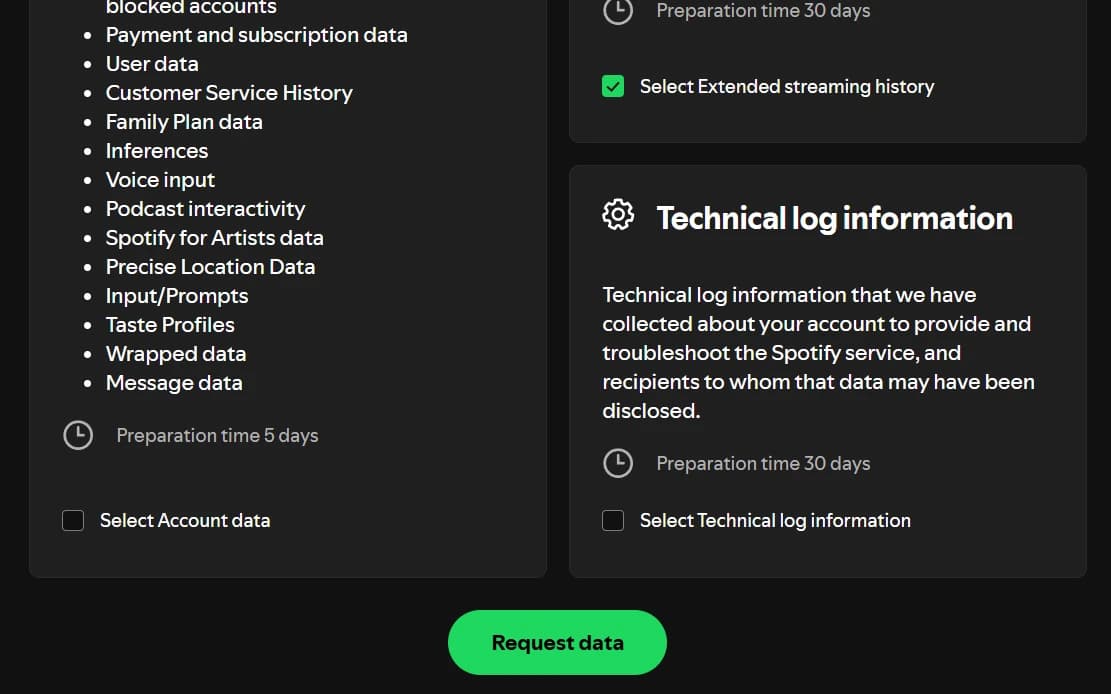
- 5
Confirm the email from Spotify
Spotify sends you an email right away. Open it and click Confirm within 14 days: the request doesn't start until you do.
Your inbox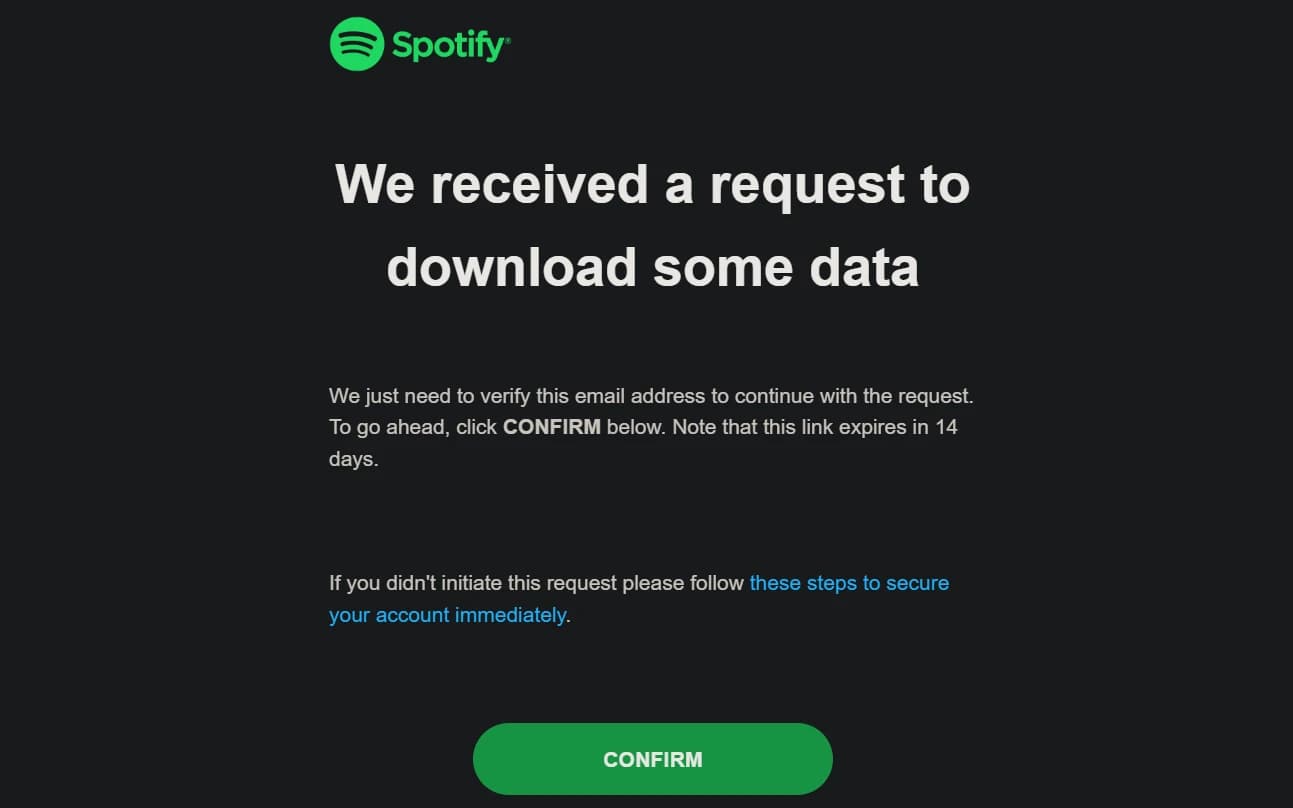
- 6
Wait for Spotify
Spotify says it can take up to 30 days, but it's usually a few days. Nothing is lost meanwhile: stats.lk keeps saving everything you play.
MeanwhileUsually a few days
Keep listening. Your plays are saved here every few minutes.
- 7
Download the ZIP
When it's ready, Spotify emails you a download link. Download
my_spotify_data.zipwithin 14 days; after that the link stops working.Your inbox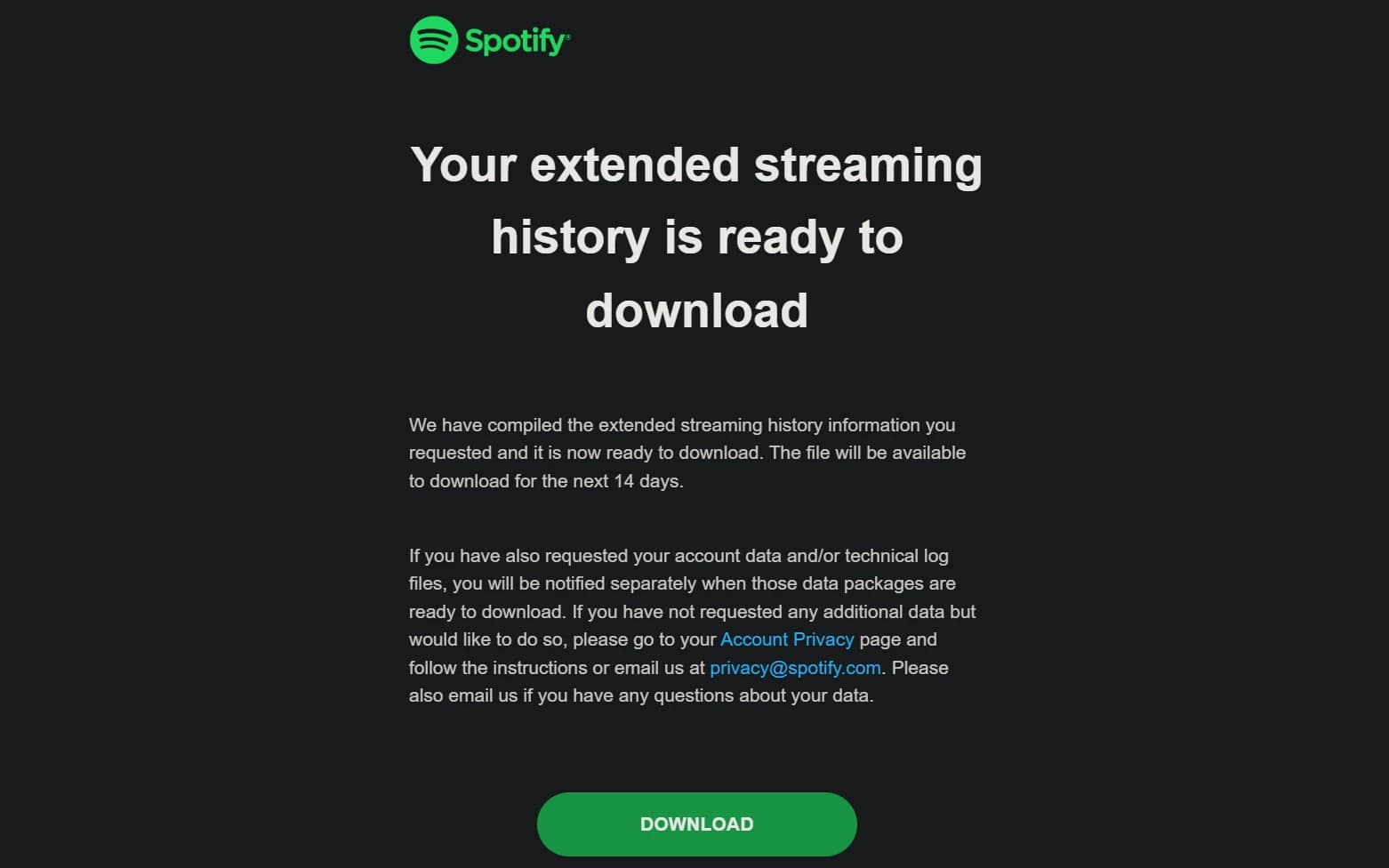
- 8
Upload it to stats.lk
No need to unzip it. Your stats go back to your very first play a moment later.
stats.lk/importChoose my_spotify_data.zipOr the JSON files from inside it
Questions
- Why can't stats.lk get my history by itself?
- Spotify only lets us see your last 50 plays. Your full history is only in this export, and only you can ask for it.
- What about the “Account data” option?
- It only covers the last year and has no track IDs, so it can't be matched to Spotify. Extended streaming history covers your whole account.
- Is my data safe?
- The file is read in your browser. Only the track, the time and how long you listened reach stats.lk. IP addresses and device details in the export never leave your device.
- Do I have to do this again later?
- No. After the import, stats.lk keeps saving your plays by itself.